Products
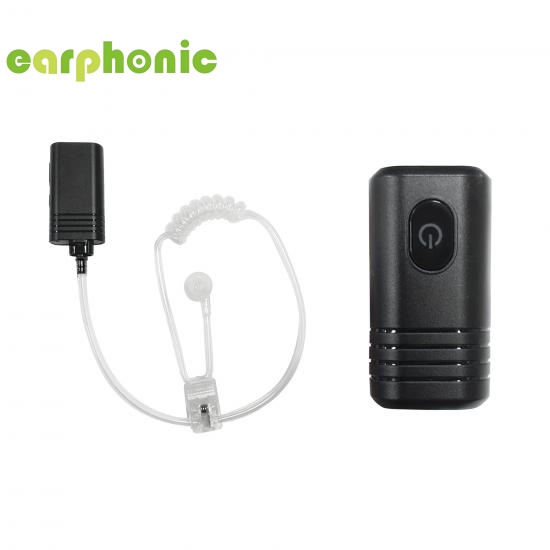
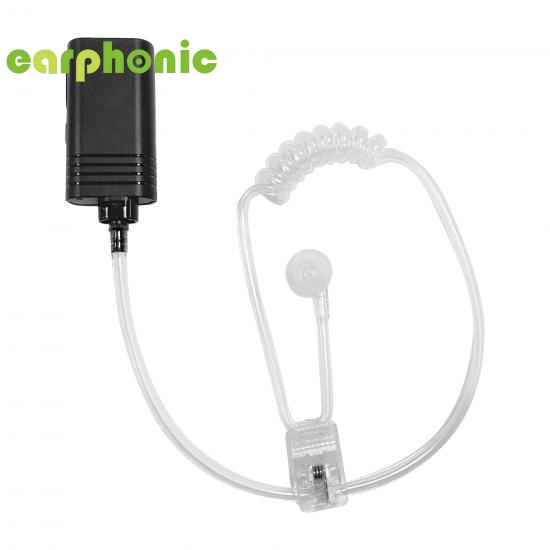
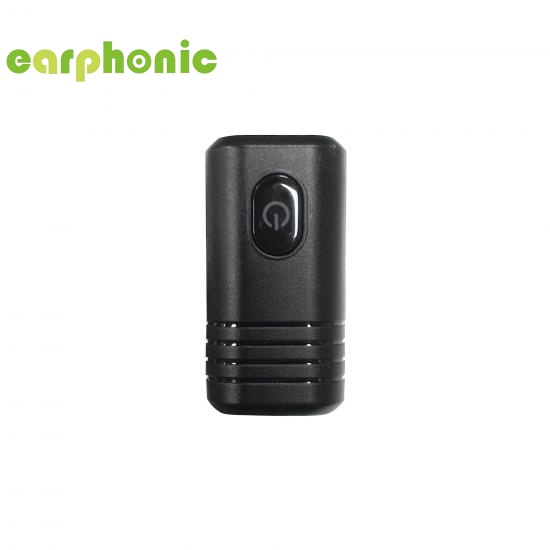
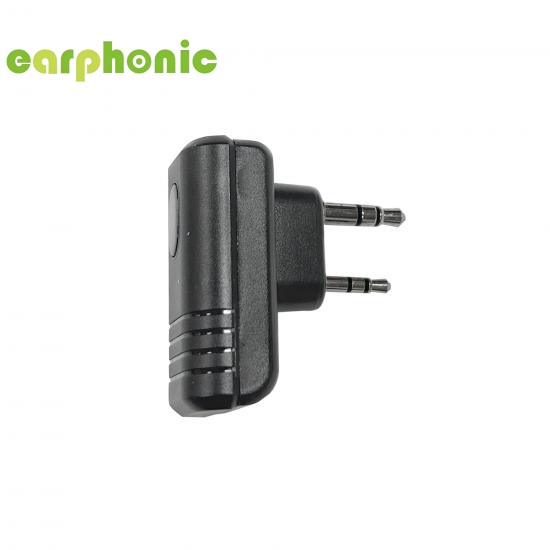
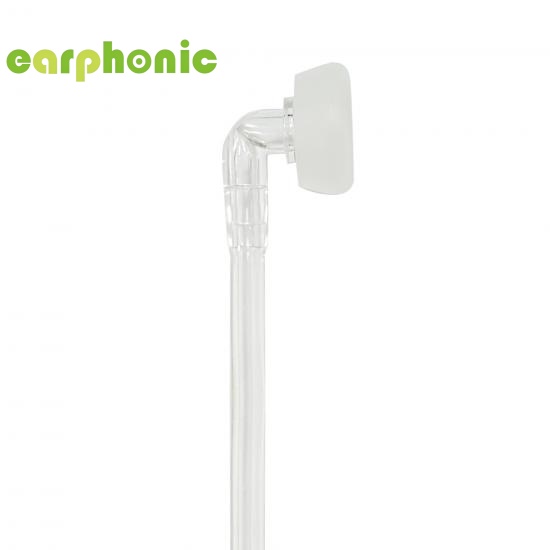
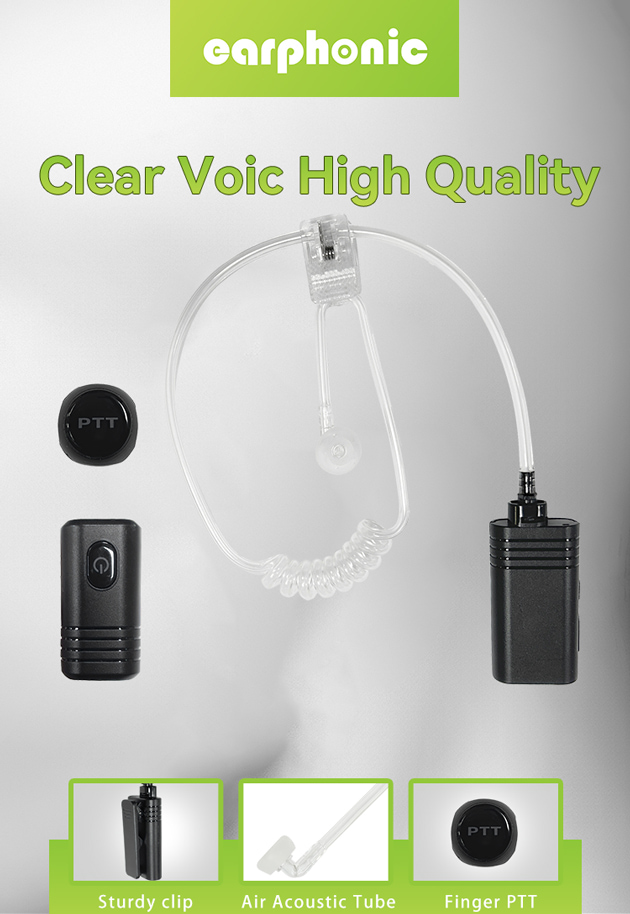
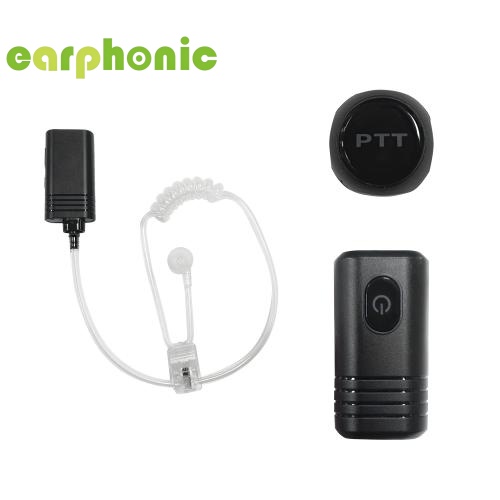
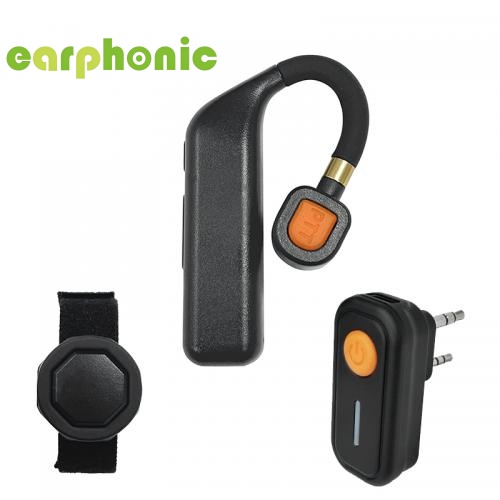
Bluetooth Noise Cancelling Air Tube Walkie Talkie Headset
OEM/ODM:
We deliver comprehensive OEM & ODM solutions, enabling partners to develop tailor-made products aligned with their distinct demands. Our team oversees every stage from initial product design through customized packaging, helping your brand differentiate itself and stand out amid fierce market competition.
Customization Options:
1. Product specifications: size, style, raw materials
2. Custom colors and surface finishes
3. Logo imprinting and private label service
4. Custom packaging artwork & structure design
5. Custom special features and performance upgrades
6. Additional personalized solutions customized exclusively for your brand
| Battery Technical Specifications | |||
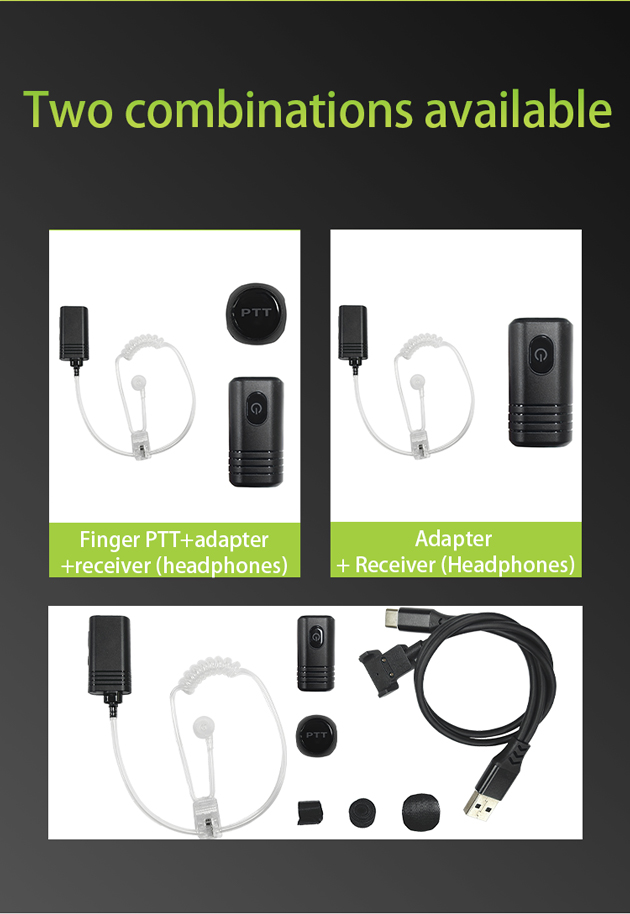
| Item | Air Tube Wireless Headphone | Wireless Headphone Adapter | Wireless PTT Button (Optional) |
| Model | BT101 | BS101 | BP101 |
| Frequency Range | 2400-2483.5MHz | 2400-2483.5MHz | 2400-2483.5MHz |
| Battery Type | Lithium-ion Polymer Battery | Lithium-ion Polymer Battery | CR1632 Button Cell Battery |
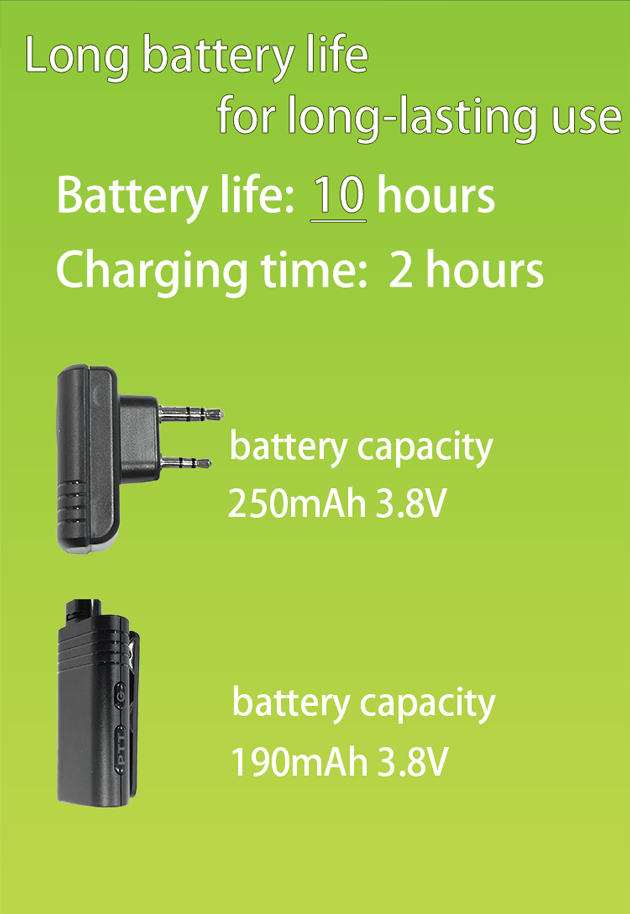
| Battery Capacity | 190mAh 3.8V (722mWh) | 250mAh 3.8V (950mWh) | 140mAh 3.0V (420mWh) |
| Battery Life | Approx. 10 hours | Approx. 10 hours | |
| Charging Time | Approx. 2 hours | Approx. 2 hours | |
| Charging Input | 5.00V DC | 5.00V DC | - |
| Charging & Battery Status Indicator Table | |||
| Device | Trigger Condition | Status Alert | |
| Wireless Headphone | Battery level at 20% | Red LED flashing + low battery voice prompt | |
| Charging | Red LED stays solid | ||
| Fully Charged | Green LED stays solid | ||
| Adapter | Battery level at 20% | Red LED flashing for low battery alert | |
| Charging | Red LED stays solid | ||
| Fully Charged | Green LED stays solid | ||
| Wireless PTT (Optional) | Battery level at 20% | Red LED flashing for low battery alert | |
| Charging | — (Non-rechargeable button cell) | ||
| Fully Charged | — | ||
| Button Operation Instructions | ||||
| Device | Button | Operation | Function | LED Indicator |
| Wireless Headphone | Power Key | Long press for 3s | Power on | Green LED lights up for ~1s |
| Power Key | Long press for 3s (when powered on) | Power off | Red LED lights up for ~1s, then all LEDs turn off | |
| PTT Key | Long press after successful pairing | Activate walkie-talkie PTT transmission | Red LED stays solid | |
| Adapter | Power Key | Long press for 3s | Power on | Green LED lights up for ~1s |
| Power Key | Long press for 3s (when powered on) | Power off | Red LED lights up for ~1s, then all LEDs turn off | |
| Wireless PTT (Optional) | Power/PTT Key | Long press for 3s | Power on | LED lights up for ~1s |
| Power/PTT Key | Long press after successful pairing | Activate walkie-talkie PTT transmission | Red LED stays solid | |
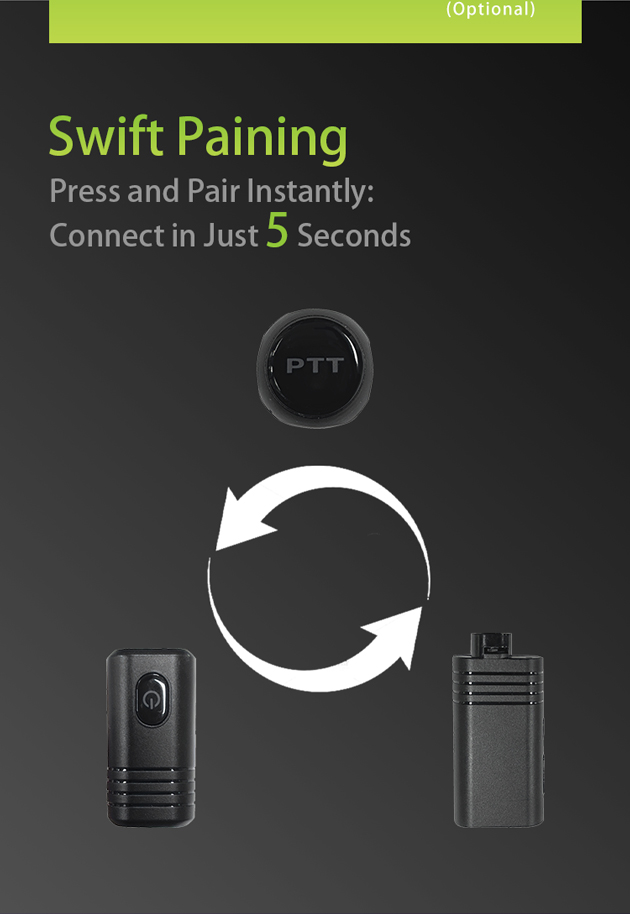
| Pairing & Connection Instructions | ||||
| Device Pairing | Step | Operation | LED Indicator | Function |
| Wireless Headphone & Adapter | 1 | Long press the power key of the wireless headphone for 3 seconds to power on | Green LED lights up for ~1 second, then Red & Green LEDs flash alternately | Power on & enter pairing mode |
| 2 | Long press the power key of the adapter for 3 seconds to power on | Green LED lights up for ~1 second, then Red & Green LEDs flash alternately | Power on & enter pairing mode | |
| 3 | Auto-pair after both devices are powered on | Green LED flashes slowly | Pairing successful & connection established | |
| Wireless PTT (Optional) & Adapter | 1 | Long press the power key of the adapter for 3 seconds to power on | Green LED lights up for ~1 second | Power on the adapter |
| 2 | Long press the power key of the wireless PTT for 3 seconds to power on | Red LED lights up for ~1 second, then Red LED flashes | Power on the PTT & enter pairing mode | |
| 3 | Auto-pair after both devices are powered on | Red LED of the wireless PTT turns off | Pairing successful & connection established | |
Wireless Headphone Accessory Installation – Air Tube
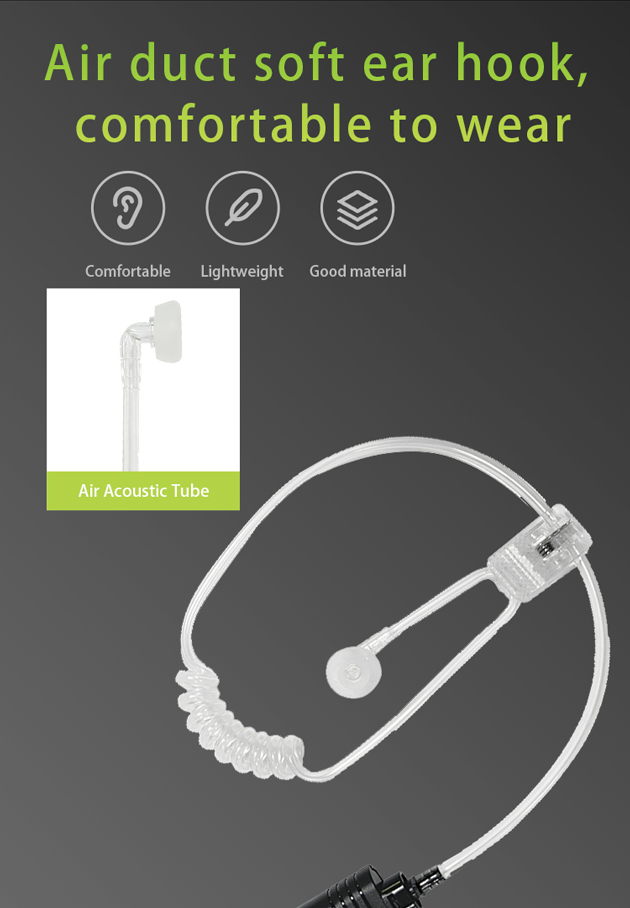
1. Align the air tube and connector assembly with the speaker port on the wireless headphone.
2. Insert the connector into the port.
3. Rotate the connector clockwise until it clicks into place and is securely fastened.
Installation of Adapter to Walkie Talkie Earphone Port
1. Align the earphone pin of the adapter with the earphone port on the walkie talkie.
2. Insert the pin into the port firmly.
3. Push until it clicks into place to ensure a secure connection.
| Warnings | |||
| 1. Do not disassemble, repair or modify the wireless headphone, adapter or wireless finger PTT for any reason, otherwise it may cause fire or complete product damage. | |||
| 2. Do not place the device in environments with extremely low or high temperatures (below -10℃ or above 60℃). | |||
| 3. When using the device indicator, avoid approaching the eyes of children or animals. | |||
| 4. Do not use the device during thunderstorms, as thunderstorms may cause abnormal operation and increase the risk of electric shock. | |||
| 5. Do not puncture or scratch the terminal with hard objects. | |||
| 6. Do not store the terminal in an environment containing corrosive substances. | |||
| 7. Do not wipe the product with corrosive liquids. | |||
| 8. Avoid contact between the device and liquids. | |||
| 9. This product contains small parts. Please keep it out of reach of children to avoid the risk of suffocation due to accidental ingestion. |
| Cautions | |||
| 1. If the product has not been used for more than two weeks, it is recommended to charge it before use. | |||
| 2. Must use chargers produced by regular manufacturers and certified by China CCC. | |||
| 3. Using the headphone at maximum volume may damage hearing health. Please control the volume reasonably. |

FAQs
Q1: Are your accessories compatible with all radio brands?
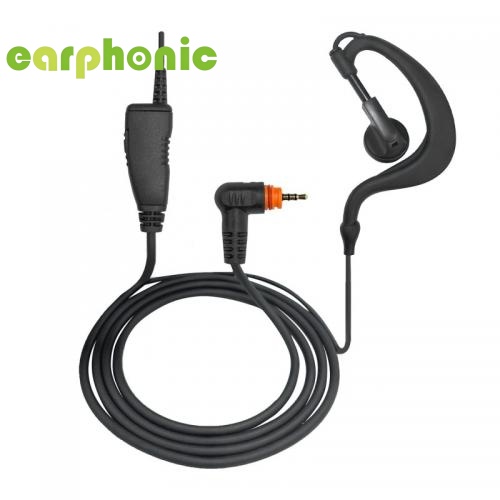
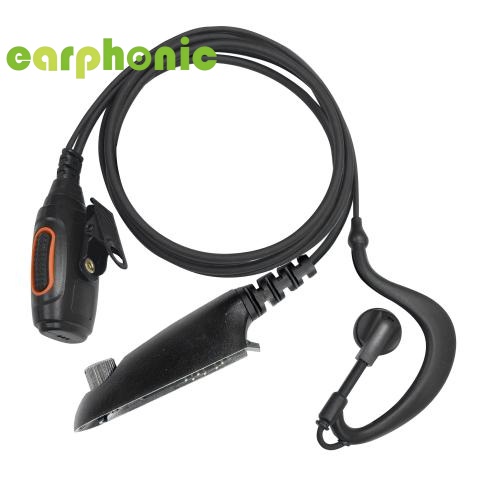
A1: Most of our products are compatible with major brands such as Motorola, Hytera, Kenwood, Icom etc. Please provide the exact radio model for accurate compatibility confirmation.
Q2: Can I get samples?
A2: Yes, samples can be provided freely, but the shipping cost charged on customer.
Q3: What about customized services?
A3: OEM and ODM services are provided, for OEM, we can design your brand the sticker & packaging box according to your requirements.
Q4: What is the mass production time?
A4: Quantity less than 500PCS, it takes 5-7 days; Quantity is 501-2000 pieces, it takes 7-10 days.
Q5: How do you control quality?
A5: All products pass 100% testing before shipment.
Q6: How to handle order problems?
A6: Contact us directly, we will respond and solve within 24 hours.
 SUBSCRIBE
Please read on, stay posted, subscribe, and we welcome you to tell us what you think.

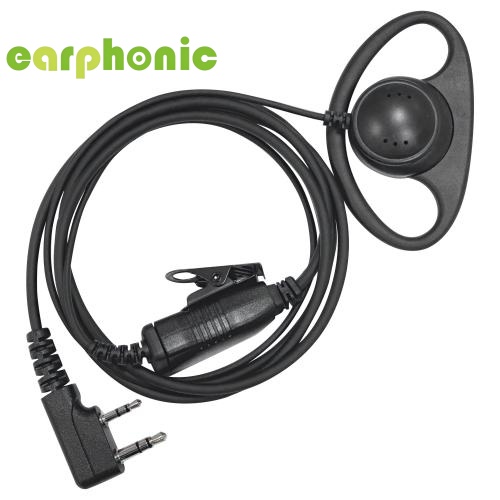
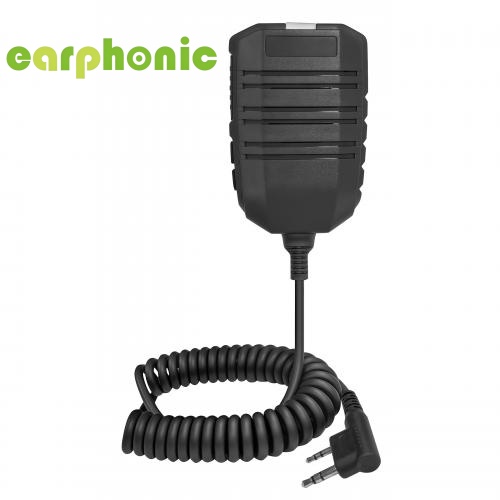
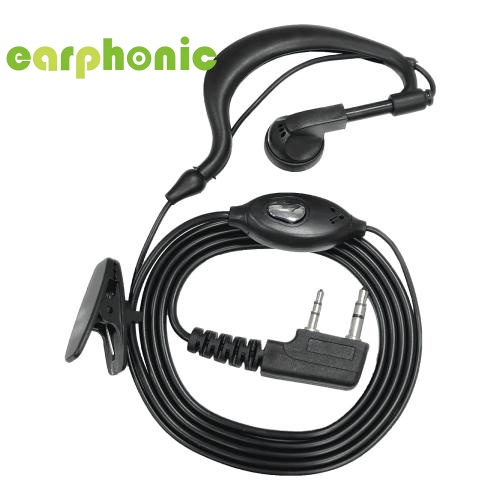
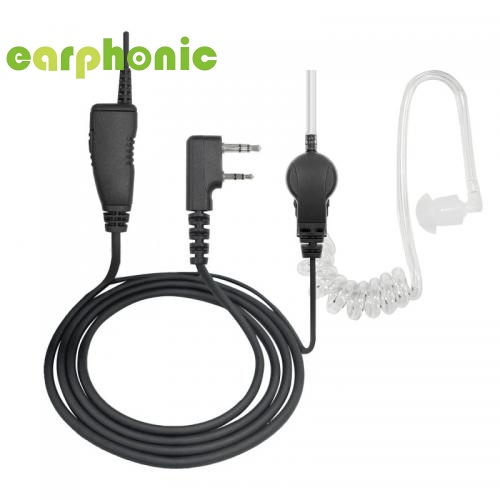
Xiamen Yuhong Export & Import Co., Ltd. was founded in 2023 with its independent brand LSENG. We specialize in providing one-stop solution for walkie-talkie accessories, focusing on the R&D and supply of high-quality walkie-talkie microphones and headsets. Our product portfolio covers walkie-talkie headsets, external speakers, wireless Bluetooth accessories and other supporting accessories. Tailored for multiple industry scenarios, our products consistently deliver outstanding audio performance.


Email : info@accessoriesradio.com
Address: 215-34, 2/F, Sihai Building, Fanghu West Rd, Huli Dist, Xiamen, Fujian, China Post Code:361006
2026 @ Xiamen Yuhong Import and Export Co.,ltd. All Rights Reserved. Sitemap | Blog | XML | Privacy Policy  IPv6 network supported

 English
 русский
 español
 português
 العربية
 中文
中文